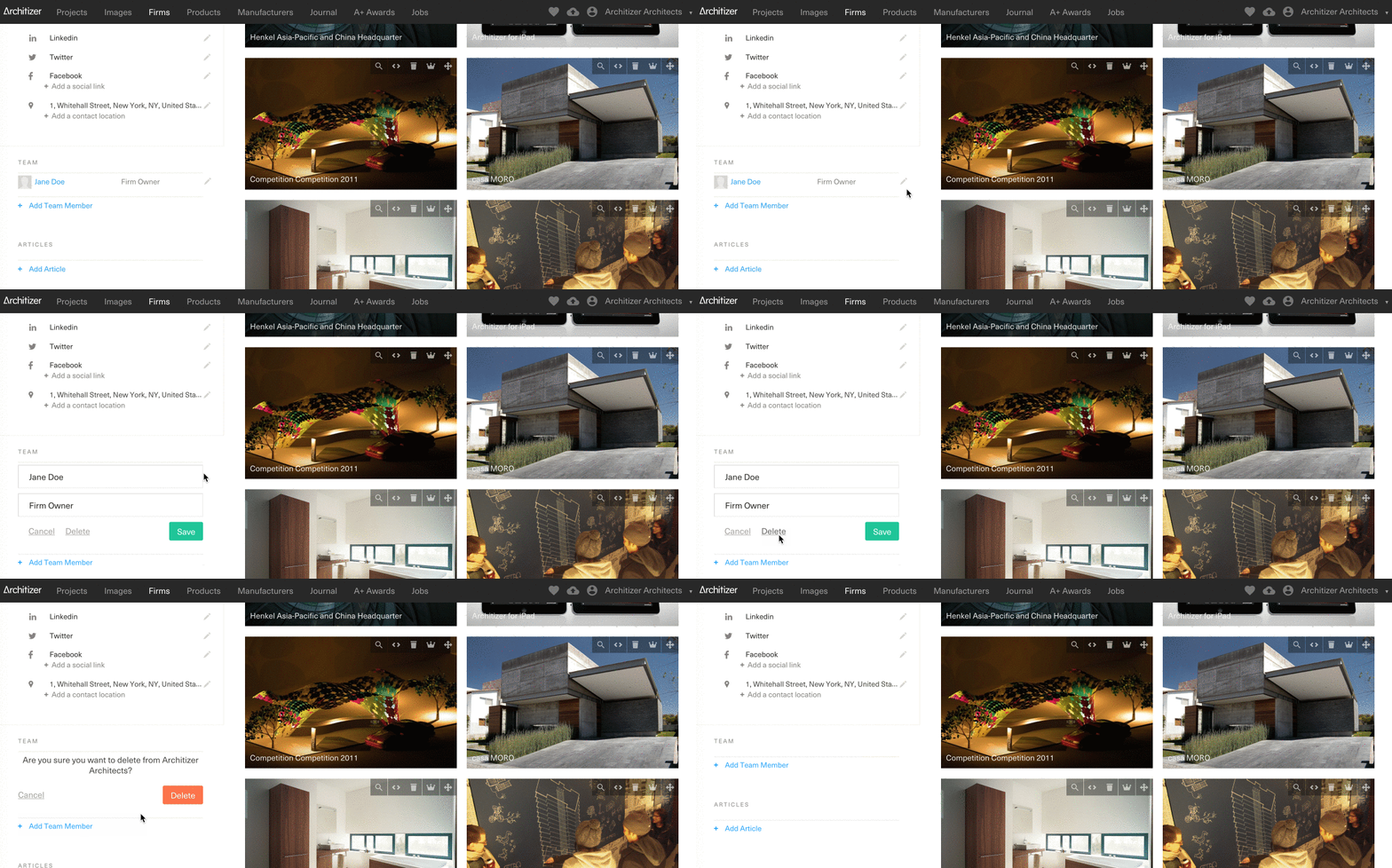
How to Delete Team Members from a Firm Profile Sign in as a Firm Administrator and navigate to your Firm Profile Click the Pencil icon ✏️ next to the user's name you want to delete Click Delete twice to confirm the removal – this will remove the user's association with your Firm Profile but will not delete their user profile