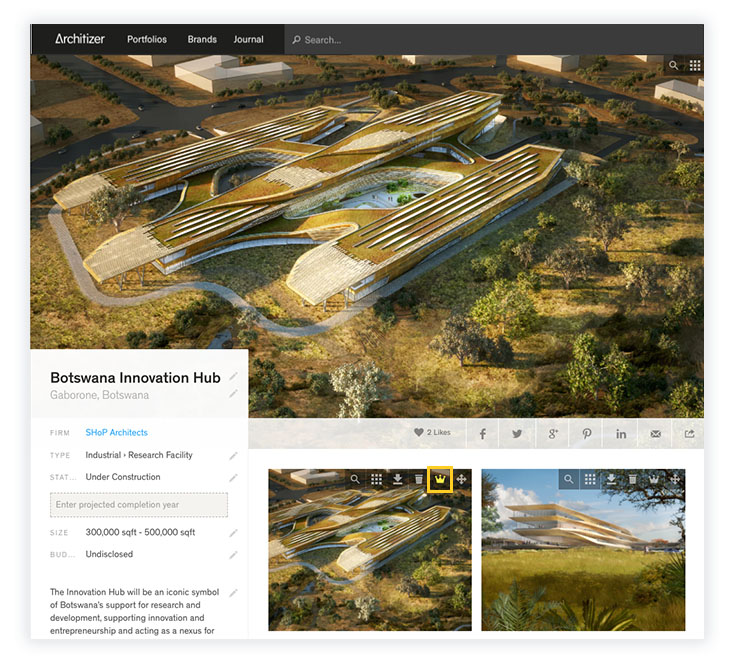
How to Change the Cover Image on a Portfolio Project Sign in as a Firm Administrator Cover Images must be selected from your project images: hover over one of the thumbnail, and select the Crown icon Cover Images must be at least 1200px wide or they will appear blurry